


### Blog Post:
Note: This article contains expert, research-driven strategies and hands-on tips for building an immersive gaming room that stands out in 2024.
Immersive gaming room design is rapidly transforming how we experience interactive entertainment at home. Demand is surging as tech evolves and players look for spaces that blend comfort, function, and pure sensory wow. But creating a truly immersive space takes more than tossing in a fancy display or a set of colored lights—it’s about building an environment that pulls you straight into the game.
Key Takeaways
- The immersive gaming room market is expanding quickly, fueled by advances in lighting and VR.
- Designing your space requires a careful balance between aesthetics, comfort, and technical factors.
- Smart planning boosts both enjoyment and long-term value—mistakes can be expensive.
- What is an Immersive Gaming Room?
- How to Build an Immersive Gaming Room: Step-by-Step
- Analysis & Realistic Pitfalls
- Conclusion
- FAQ
What is an Immersive Gaming Room?
An immersive gaming room is a custom-designed environment built specifically to maximize the sensation of presence inside a digital world. The goal is to eliminate distractions and create a space that feels interactive, engaging, and perfectly tuned to your games or VR experiences. This approach goes well beyond a standard game den or entertainment nook—true immersion calls for advanced bias lighting design, acoustic control, configurable furniture, and integrated technology throughout.
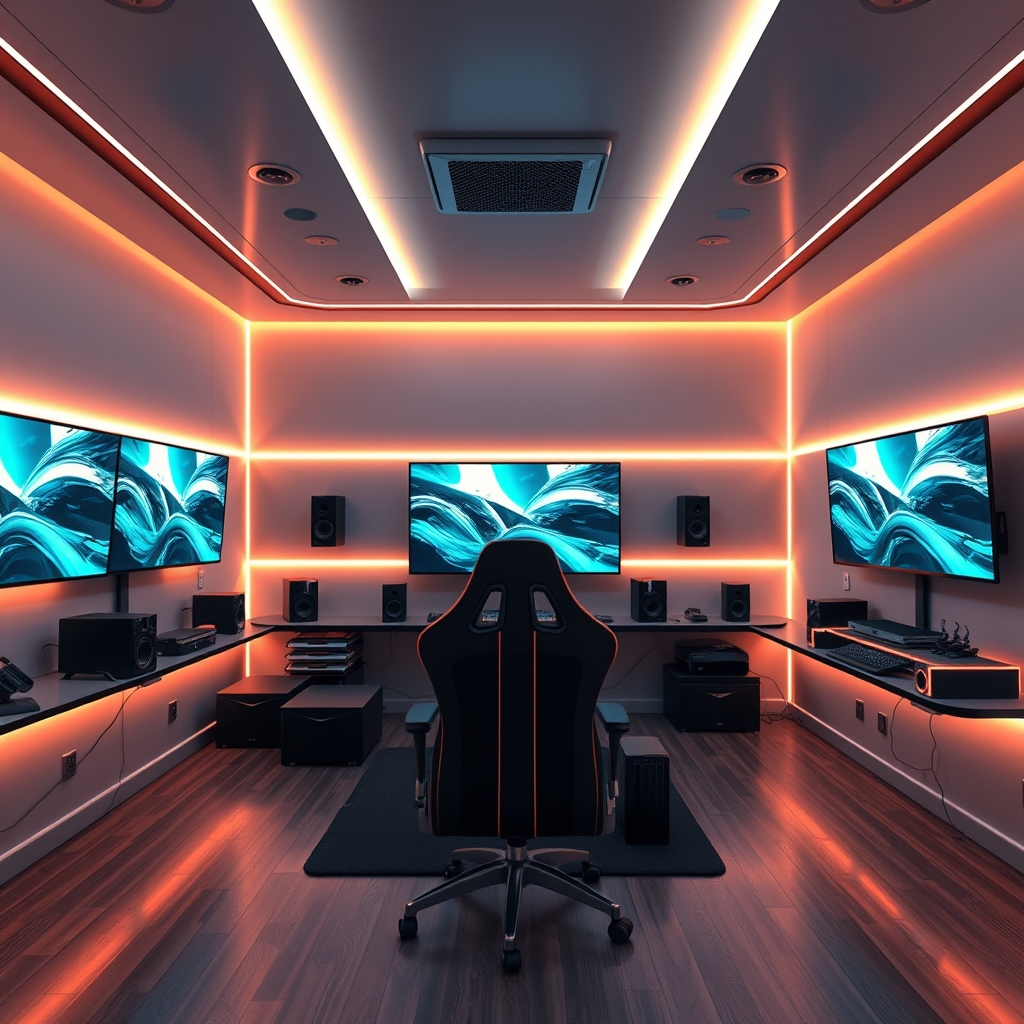
Data highlights the surge in this trend: The global immersive entertainment market was valued at nearly USD 97 billion in 2023 and is forecasted to soar past USD 426 billion by 2030, according to industry research. Within gaming, nearly half the market is now driven by virtual reality, social gaming, and next-generation interactive events.
For gamers, the benefits are clear: extended play sessions with better comfort, deeper engagement, and fewer distractions from the outside world. But to get there, it takes planning and a solid understanding of how to align lighting, sound, layout, and tech.
If you’re curious how professionals build these spaces, check our best LED strips for gaming room guide and ultimate guide to gaming room lighting for more inspiration and how-tos.
How to Build an Immersive Gaming Room: Step-by-Step
Ready to transform your space into a sensory playground? Here’s a step-by-step, actionable guide that covers planning, execution, and optimization (linking to our gaming room acoustic panels and game decor ideas will help as you start).
-
Define Your Purpose and Layout
- Decide if this space is for VR, PC, console, or hybrid gaming (each needs different spacing and safety zones).
- Measure the room—account for both sitting/standing play and room for accessories.
- Visualize your layout with a simple sketch or digital planner.
-
Establish Acoustic and Visual Isolation
- Install blackout curtains or blinds to block outside light.
- Add gaming room acoustic panels (see: gaming room acoustic panels) or rugs to dampen echoes and outside noise.
-
Plan Advanced Lighting for Immersion
- Layer lighting: use a combination of bias lighting (behind monitors), RGB strips, and functional task lights.
- Choose lights with adjustable lumens (brightness) and color temperature (warm to cool white), ideally with smart controls for scenes/modes.
- Position lights to avoid screen glare—a common complaint among gamers.
-
Upgrade Tech and Connectivity
- Use cable management trays or sleeves for safety and aesthetics.
- Install high-speed WiFi or ethernet runs (especially if streaming or VR-based).
- Consider haptic feedback gear for next-level immersion.
-
Personalize with Gaming Decor
- Display collectibles, sci-fi props, or custom wall art (see more ideas in our game decor ideas article).
- Add ergonomic chairs and modular, adjustable desks suited to your play style.
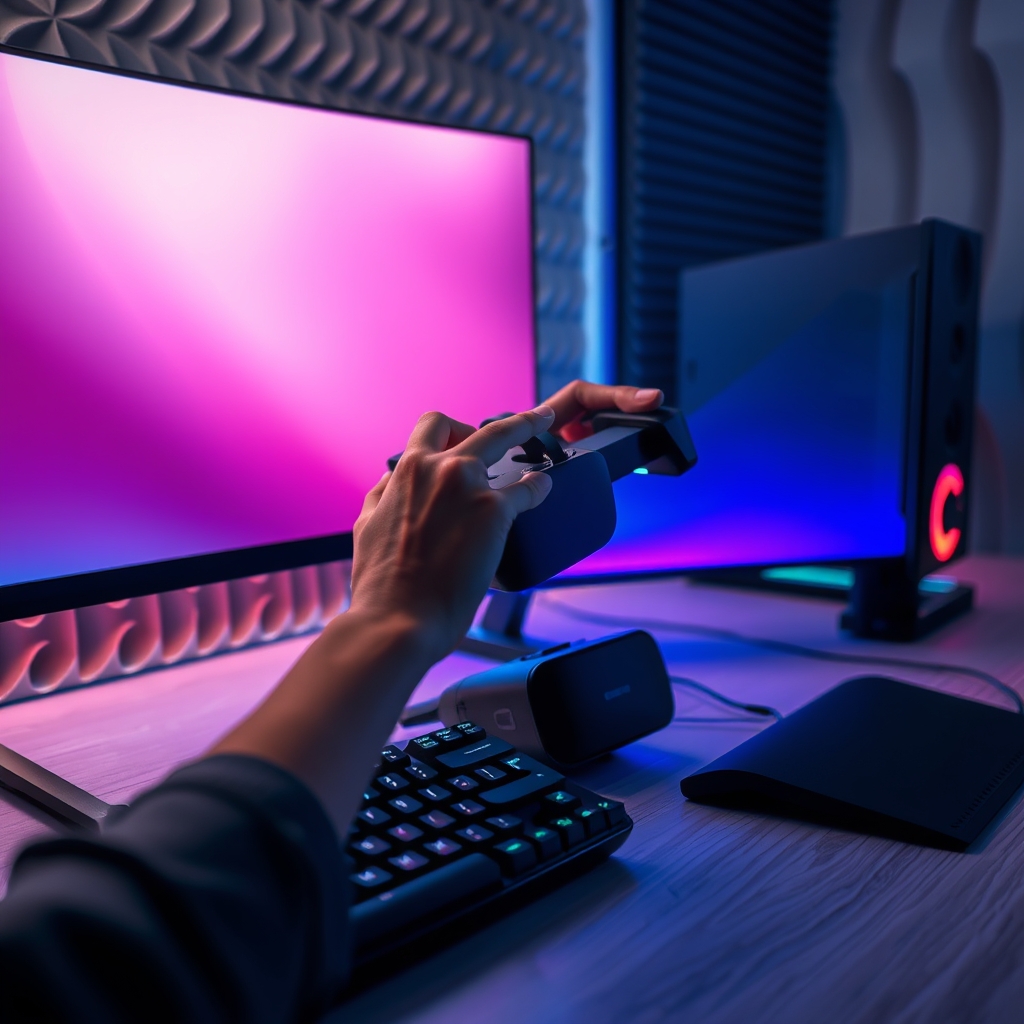
If you want to learn more about budget breakdowns—including what it costs to kit out a single escape room (between USD 200,000 to 500,000 per industry report), see our gaming room budget breakdown resource.
Analysis & Realistic Pitfalls
Not every immersive gaming room project ends in bliss. Here are practical challenges drawn directly from recent research and industry experience.
Common Pitfalls
- Overdone or Underpowered Lighting: Many users complain about eyestrain from overly bright RGB strips—or lights that are too dim for real play sessions. Glare on screens remains a top complaint.
- Poor Planning for Electrical Loads: Insufficient outlets or breaker overload can be both annoying and dangerous. Plan ahead for extra hardware, chargers, and powered lighting.
- Noisy or Reflective Surfaces: Hard floors, bare walls, or glass doors echo sound and reduce immersion—soft finishes and panels really matter.
- Lack of Airflow or Poor Heat Management: Packed rooms with powerful PCs can overheat quickly—and VR sessions only add to the sweat. Small fans or a portable AC unit can be essential.
- Budget Surprises: As noted in the Mordor Intelligence entertainment market report, costs add up fast when you factor in lighting, soundproofing, furniture, and tech upgrades.
| Pitfall | Symptom | Simple Fix |
|---|---|---|
| Glare on Monitors | Flashes of color or bright spots on screens during play | Use indirect or bias lighting; position strips behind screens, not in line of sight |
| Overheating | Hot room, equipment throttling or shutting down | Add airflow with a desktop fan and keep vents clear |
| Unbalanced Sound | Echoes, unclear game audio | Install acoustic panels or thick curtains/rugs |
| Messy Cables | Tripping hazards, visual clutter | Mount cable trays or run cables along the back of desks |
Real-World Insight
A striking commercial example is Sony Wonderverse in Oak Brook, Chicago, opened in December 2023. This venue transports visitors into themed game worlds with advanced projection, lighting, and sound. While spectacular, even these setups highlight the critical need for meticulous setup: poor tuning can break immersion fast.
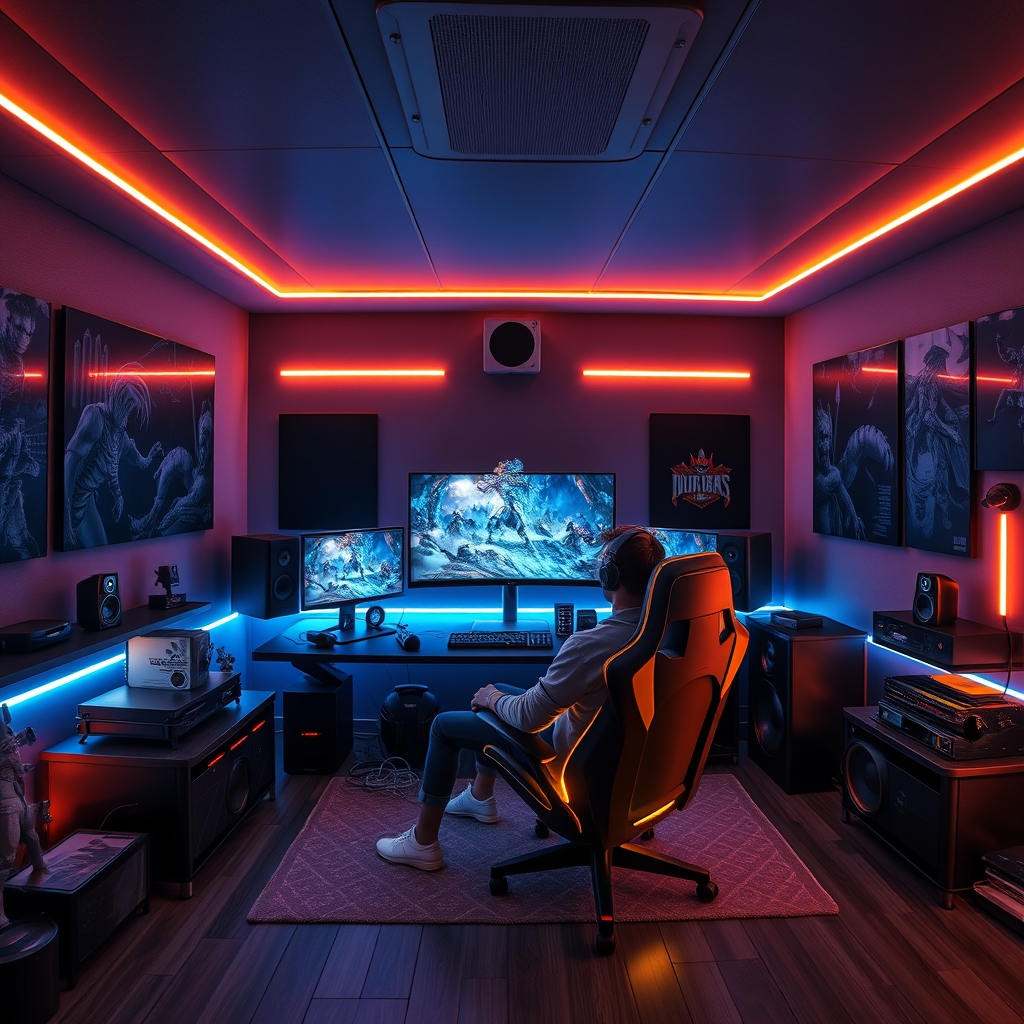
If you want to avoid top mistakes and see more immersive builds, explore our coolest gaming setups gallery.
Conclusion
The road to a standout immersive gaming room is about planning, personalization, and a willingness to iterate. Whether your focus is on advanced lighting, state-of-the-art gear, or simply building a vibe that makes you forget the outside world, smart choices up front save time, headaches, and cash later. With a little inspiration and realistic expectations, your immersive gaming room can become both a showpiece and a personal sanctuary. Get started today—your best gaming experiences are waiting. Want more tips or inspiration? Dive into our in-depth guides or reach out for tailored advice!
FAQ
What is the ideal size for an immersive gaming room?
While you can build immersion in almost any space, aim for at least 10×12 feet—especially if using VR. Make sure you have free movement zones and adjustable lighting coverage.
How much should I budget for lighting in an immersive gaming room?
Budget builds can start around $150 (for LED strips and a few smart bulbs). High-end, professionally installed smart lighting or projection can run $1,000 and up.
What lighting color temperature is best for gaming?
A mix of cool white (around 5000K for focus) and customizable RGB for mood is ideal. Flexibility matters—avoid all-warm light if you play for hours.
Can immersive rooms be soundproofed on a budget?
Yes—start with thick curtains, rugs, and foam panels. Full soundproofing can be pricey, but small upgrades can lower noise and boost immersion affordably.
Where can I find real-world design inspirations?
Check our coolest gaming setups gallery for a roundup of the web’s most creative and immersive builds.