
Govee AI Sync Box is rapidly reshaping what’s possible in smart lighting and home entertainment setups. Whether you want more immersive movie nights or interactive gaming, understanding this device’s power, limitations, and real-world costs is crucial before investing.
Key Takeaways
- The Govee AI Sync Box provides affordable, real-time lighting sync with broad smart ecosystem compatibility, but lacks deep integration like Philips Hue.
- Real user reviews rarely cite negatives, but missing long-term reliability data and setup benchmarks mean first-time buyers should stay realistic.
- Total costs are lower than Hue, but ongoing expansion and third-party compatibility are still best-in-class with Hue, not Govee.
- What Is the Govee AI Sync Box and Why Does It Matter?
- How to Set Up and Use the Govee AI Sync Box: Step-by-Step Guide
- Advanced Analysis & Common Pitfalls
- Conclusion
- FAQ
What Is the Govee AI Sync Box and Why Does It Matter?
The Govee AI Sync Box is a real-time lighting controller that analyzes HDMI input and triggers dynamic backlighting effects on Govee RGBIC light bars. Its “AI” chip reads incoming video signals, instantly matching what’s on your screen with multicolor light flows on strips and bars. Unlike old-school music sync boxes, it can handle 4K at 144Hz, 8K at 60Hz, and even demanding console gaming setups. There’s also Alexa, Google Home, IFTTT, and support for the increasingly universal Matter protocol. This box aims to make immersive lighting instant, affordable, and friendly to nearly any smart home platform.
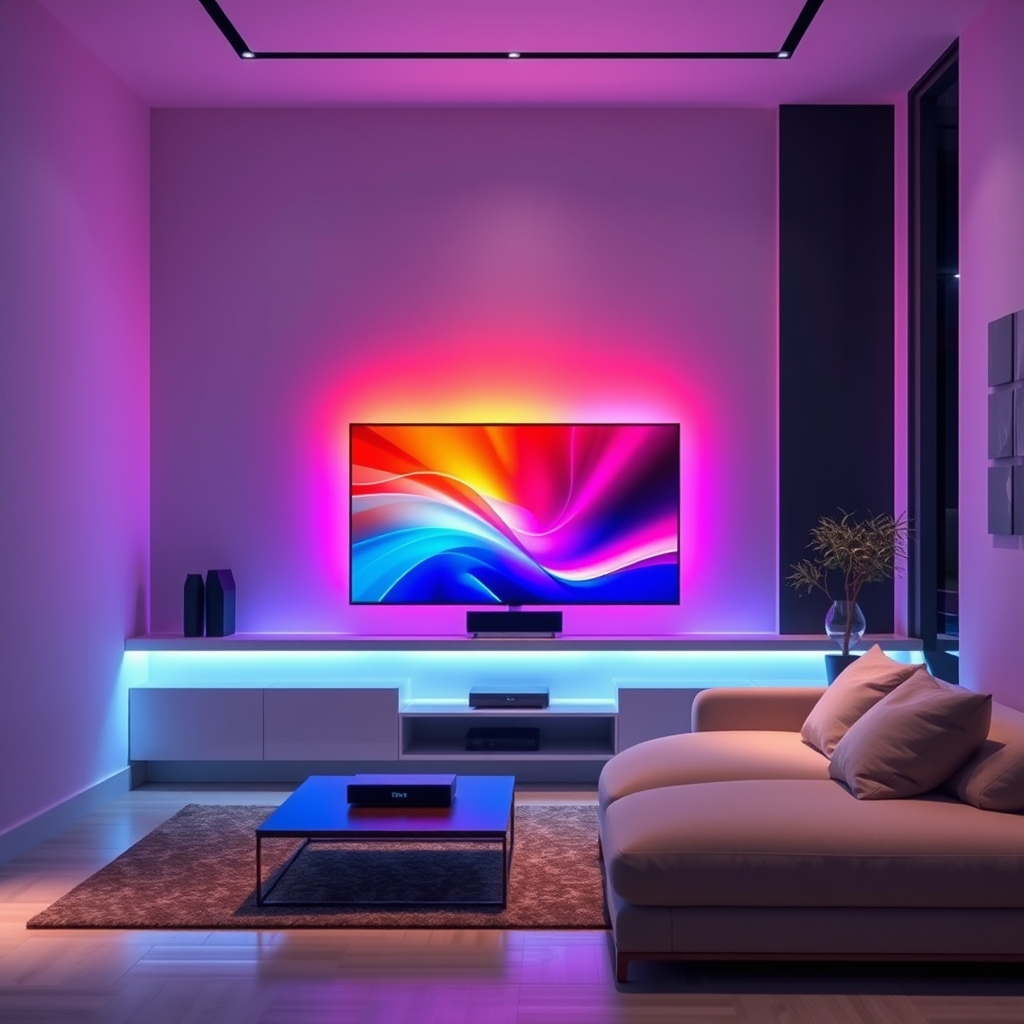
Consumers choose the Govee AI Sync Box to avoid the high expense, exclusivity, or ecosystem lock-in of alternatives like Philips Hue. Its lower outlay—bundles at $299 or less with lights and cables—offers an all-in-one entry instead of piecing together several components. For those upgrading their monitor, gaming, or living room, this means fast, vivid ambience without advanced installation or a major investment. However, choosing Govee over Philips Hue means trading deeper Apple HomeKit integration and a broader variety of lamps, sensors, and outdoor lights.
How to Set Up and Use the Govee AI Sync Box: Step-by-Step Guide
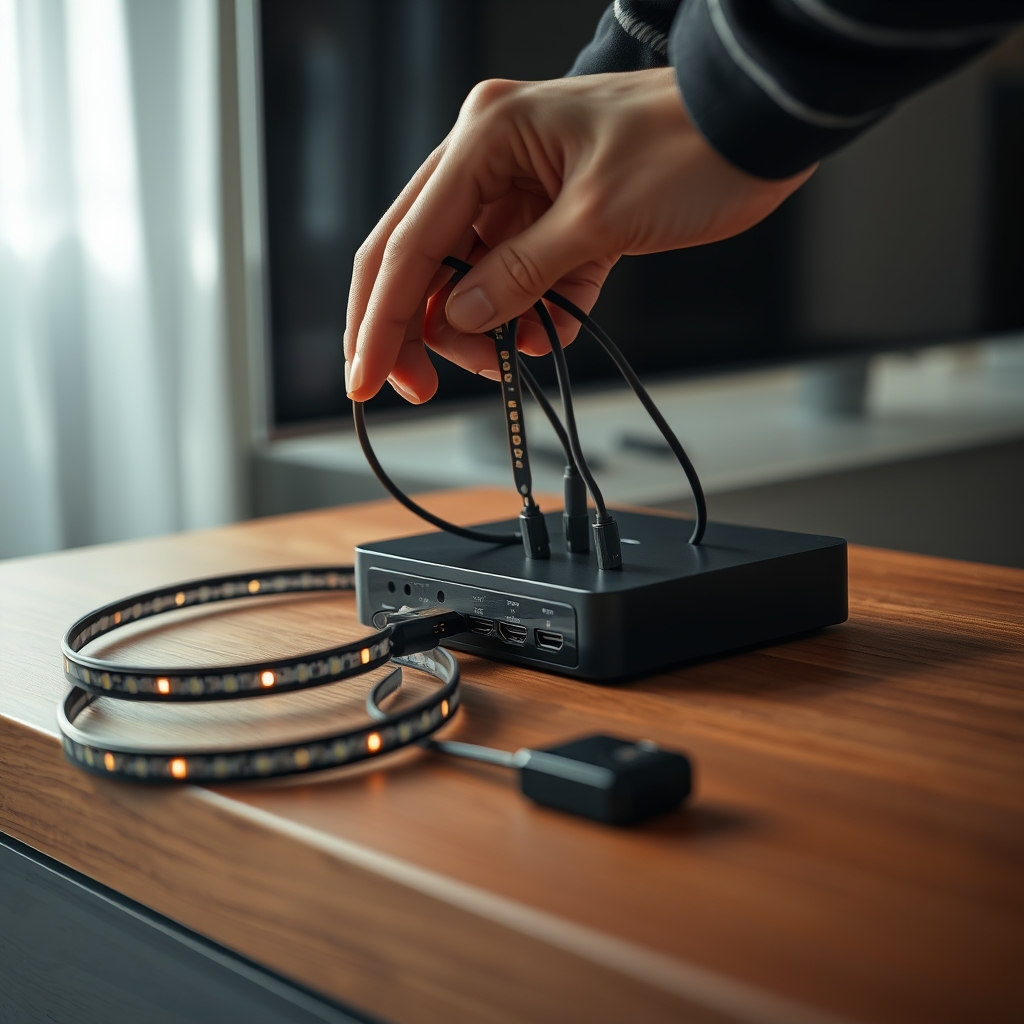
- Unbox and Check Your Kit: Ensure your kit includes the Govee AI Sync Box, two 16-inch Govee light bars, backlight strip, two 4K HDMI cables, and power supplies.
-
Connect Your Devices:
- Plug your chosen HDMI devices (game consoles, streaming boxes, PCs) into any of the three HDMI in ports.
- Connect your TV or monitor to the single HDMI out.
-
Mount the Lighting:
- Attach the included RGBIC light bars adjacent to your screen or on your desk. Use the Govee backlight strip to line the TV/monitor’s rear perimeter for uniform ambient color.
-
Power Everything Up:
- Plug in the AI Sync Box and lights. Switch on your display device and input source. All should power up automatically if correctly connected.
-
Download and Open the Govee Home App:
- Create or log into your account. Add the AI Sync Box under Devices. Follow the on-screen pairing process (Wi-Fi required for full features).
-
Customize and Optimize:
- Within the app, assign connected lights to the correct HDMI port and physical placement. Configure sync modes (video, audio, gaming), color intensity, and ambient brightness as desired.
- Enable integrations with Alexa, Google Home, or IFTTT from the app’s settings if you want voice or automation control.
With setup complete, switch HDMI sources or tweak effects via app or remote. Smart assistant integration enables voice commands for changing scenes and brightness, but remember: advanced scheduling and routines require using IFTTT or Alexa Routines for deeper automation. Govee’s system is best-suited for up to 4 screens; gamers or movie buffs benefit most from the instant color-match experience. For ultra large home theaters, evaluate if you need more than the Sync Box’s maximum output.
Advanced Analysis & Common Pitfalls
While the Govee AI Sync Box is a leader in value and platform compatibility, no product is perfect. Without official 2024 market stats, industry reports instead point to persistent strengths and a few realistic drawbacks worth considering.
| Feature | Govee AI Sync Box | Philips Hue HDMI Sync Box |
|---|---|---|
| Price (Typical Bundle) | $299 or less (with lights & cables) | $299 (sync box only, lights sold separately) |
| Video Support | 4K 144Hz, 8K 60Hz, 4K 120Hz for consoles | 4K 120Hz, 8K 60Hz, Dolby Vision, HDR10+ |
| Integrations | Alexa, Google Home, IFTTT, Matter (no native HomeKit) | Alexa, Google, HomeKit, Matter, Zigbee |
| Setup Experience | No reported setup time data; easy for 27-34″ displays | Slightly more complex due to larger ecosystem |
| Long-Term Reliability | No published user-reliability data yet | Proven brand & large user base |
| Ecosystem Expansion | Limited accessories (few sensors, no wall switches) | Extensive lights, sensors, switches, outdoor gear |
-
No Negative Reviews—But Also No Long-Term Data:
Current sources highlight affordability and specs, but lack real user complaints or analysis of longevity. This means first-time buyers should understand they’re early adopters of AI-driven HDMI sync. Source. -
Limited Detailed Benchmarks:
While Govee touts “AI” sync and Philips Hue supports Dolby Vision and deeper local control via Zigbee, neither platform offers transparent latency, dropped frames, or performance stats. -
First-Time Setup Experience Is Underreported:
Reviews focus on features, not novice user experience. If you’re setting up for the first time, reference our detailed smart lighting installation guide for additional troubleshooting tips. -
Ecosystem Shortcomings:
Govee’s platform lacks native Apple HomeKit support (source) and offers fewer expansion options than Hue. If you plan to build a whole-home smart lighting setup with accessories and wall switches, Hue still leads (source). -
Device Compatibility Caveats:
Best fit is on 27-34 inch screens. Ultra-large, curved, or exotic monitor users may need extra manual adjustment or may not get perfect edge matching. -
Firmware and App Updates:
Govee releases updates often. Early units especially should always be updated—see our troubleshooting guide if you run into Wi-Fi or device pairing issues. -
Cost Transparency:
Govee is transparent with low bundle pricing, but ecosystem expansion—if you want advanced routines, wall control, or sensor-based automation—can add up fast with third-party gear or require platform switching. Compare this with our full Hue vs Govee analysis to make the most informed choice.
Conclusion
If your goal is to unlock immersive, responsive lighting without paying the “Hue tax,” the Govee AI Sync Box delivers real value. Just keep in mind: while official reviews are overwhelmingly positive, there isn’t yet enough long-term user data to rule out hidden reliability issues. Installation is straightforward, the price is unbeatable for what’s in the box, and integration covers most (but not all) modern smart home platforms. If ecosystem breadth or Apple HomeKit is your priority, Hue costs more but scales farther. Still, for most everyday users, trying the Govee AI Sync Box is a risk worth taking.
Ready to experiment? Explore real user setups and read more about optimizing your entertainment space in our best LED lights for home theater recommendations. Or grab a Govee AI Sync Box kit to see for yourself just how immersive next-gen smart lighting can get.
FAQ
Is the Govee AI Sync Box compatible with all TVs and monitors?
The Govee AI Sync Box works with any TV or monitor that has an HDMI input and output, supporting resolutions up to 8K at 60Hz and 4K at 144Hz. Its optimal performance is on screens between 27 and 34 inches. Users with ultra-wide or curved monitors may need extra app customization for best results.
Does the Govee AI Sync Box support Apple HomeKit?
No, Govee AI Sync Box currently does not support native Apple HomeKit integration. It does work with Amazon Alexa, Google Home, IFTTT, and Matter, providing wide—but not complete—smart home compatibility.
Are there any hidden subscription or ongoing fees with Govee AI Sync Box?
No ongoing subscription fees are required to use the Govee AI Sync Box or its sync features. However, advanced automation or routines using Alexa or IFTTT may require those services’ free accounts.
How does installation complexity of Govee AI Sync Box compare to Philips Hue?
Most users report a straightforward setup using the Govee Home app, power, and HDMI cables. No detailed average setup time data is available. Philips Hue’s broader ecosystem and reliance on Zigbee can add minor complexity for multi-room or larger setups.
What should I do if my Govee AI Sync Box won’t connect to Wi-Fi or my lights?
Update your firmware in the Govee Home app, restart your router, and ensure all devices are on the same Wi-Fi network. If problems persist, follow our Govee Not Connecting? Troubleshooting Guide.