


### Blog Post:
Smart lighting scenes are shaping how we experience and control the lighting in our homes, offices, and even industrial spaces. If you’re curious about how these dynamic light setups work, or if you’re ready to create your own but don’t want to hit any snags, this guide gives you the straight facts and a clear path forward.
Key Takeaways
- Smart lighting scenes let you automate and personalize lighting for mood, energy savings, and convenience.
- Wired smart lighting systems still dominate for reliability, but wireless is growing rapidly in homes.
- AI assistants and ROI trends highlight both the rapid growth and some cost hurdles for new users.
- What Are Smart Lighting Scenes and Why Do They Matter?
- How to Set Up Smart Lighting Scenes: A Step-by-Step Guide
- Advanced Analysis and Common Pitfalls
- Conclusion
- FAQ
What Are Smart Lighting Scenes and Why Do They Matter?
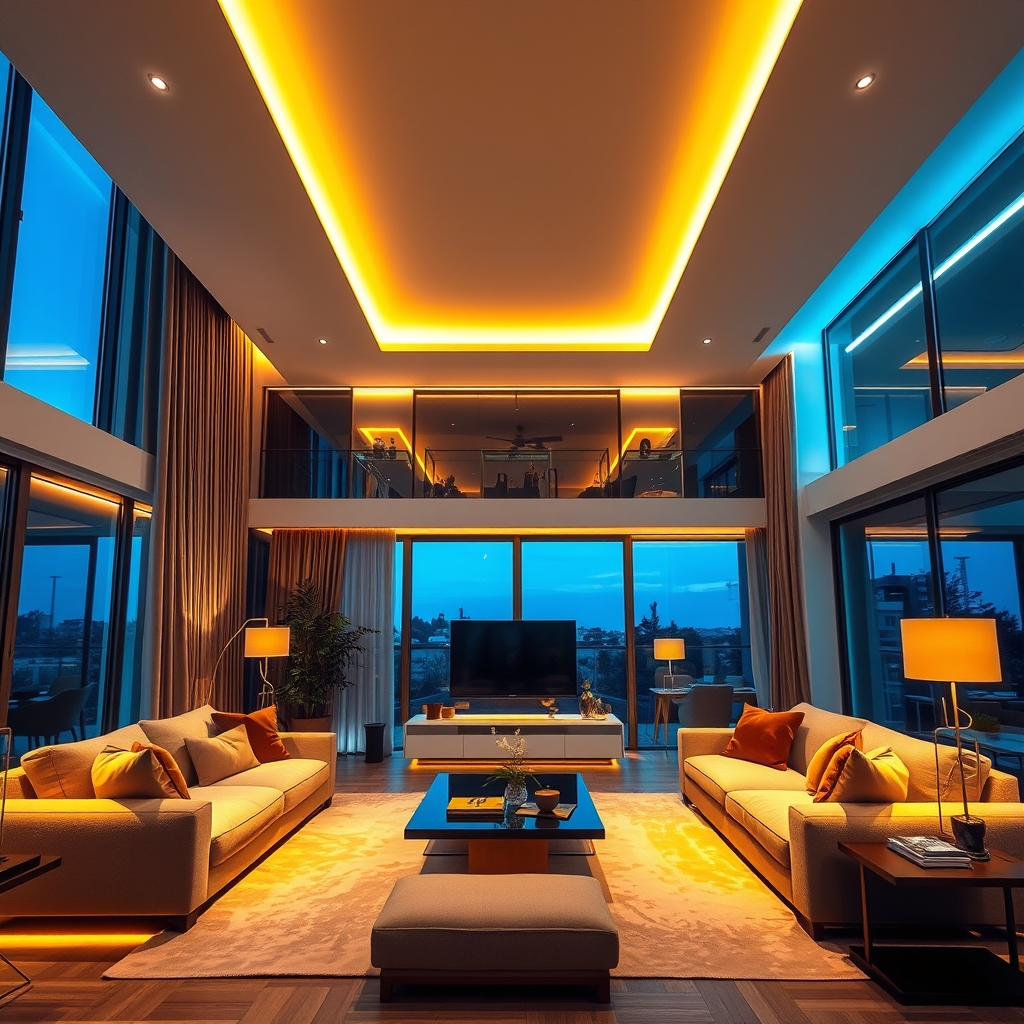
Smart lighting scenes are predefined groups of light settings—like brightness, color, and timing—created to match specific activities or moods. Imagine pressing one button or speaking a command to transform a room from “Movie Night” to “Dinner Party.” Why now? Because as of 2024, the global smart lighting market hit up to USD 24.1 billion with a projected growth rate up to 22.9% yearly.
These scenes aren’t just about ambiance—they boost energy savings, automate daily routines, and offer accessibility for everyone in the home. With wired solutions still leading (over 81% of global installations), they shine brightest over long distances, fitting large homes or commercial properties. Today’s platforms even add AI assistants so your scenes get smarter with you—Philips Hue for example introduced generative AI-powered scene creation in 2025, so you can set your vibe simply by telling it what you want.
How to Set Up Smart Lighting Scenes: A Step-by-Step Guide
Getting from “basic bulb” to “automated brilliance” is easier than you think. Here’s exactly how to bring smart lighting scenes into your home or office—and avoid wasting time or money.
-
Choose Your Ecosystem
Decide between main ecosystems—Philips Hue, LIFX, or Zigbee-based platforms. Check if they integrate with your preferred voice assistants (Alexa, Google Assistant, or Apple HomeKit). Note: our Philips Hue vs LIFX guide breaks down features and compatibility side by side. -
Pick the Right Gear
Match the hardware to your space. Wired options are best for long distances (over 30 feet) or robust commercial use[source]. Wireless bulbs suffice for most homes. -
Install and Connect
Install smart bulbs, switches, or panels by following the brand’s app. Double-check Wi-Fi or Zigbee coverage in each area. If mixing brands, use bridges or hubs—but expect quirks (see our smart home ecosystems explained for cross-compatibility tips). -
Create Your First Scene
Open your app (e.g., Philips Hue). Pick multiple lights, adjust brightness, color, and the on/off schedule. Save and name your scene. Advanced tip: Use the new AI scene creator if available (Philips Hue’s AI assistant went live in 2025 for fast, creative setups[source]). -
Customize Triggers and Automations
Set triggers for scenes—like motion detection, voice command, or routines. Integrate with other devices (door locks, thermostats) so lighting adapts based on who arrives or leaves. -
Test (and Iterate)
Try your scenes out. Adjust color temperature for different times—bright, cool light for mornings; soft, warm tones for evenings. Don’t be afraid to tweak until each scene truly fits your life. For inspiration, our best automations for smart lighting shares popular routines.
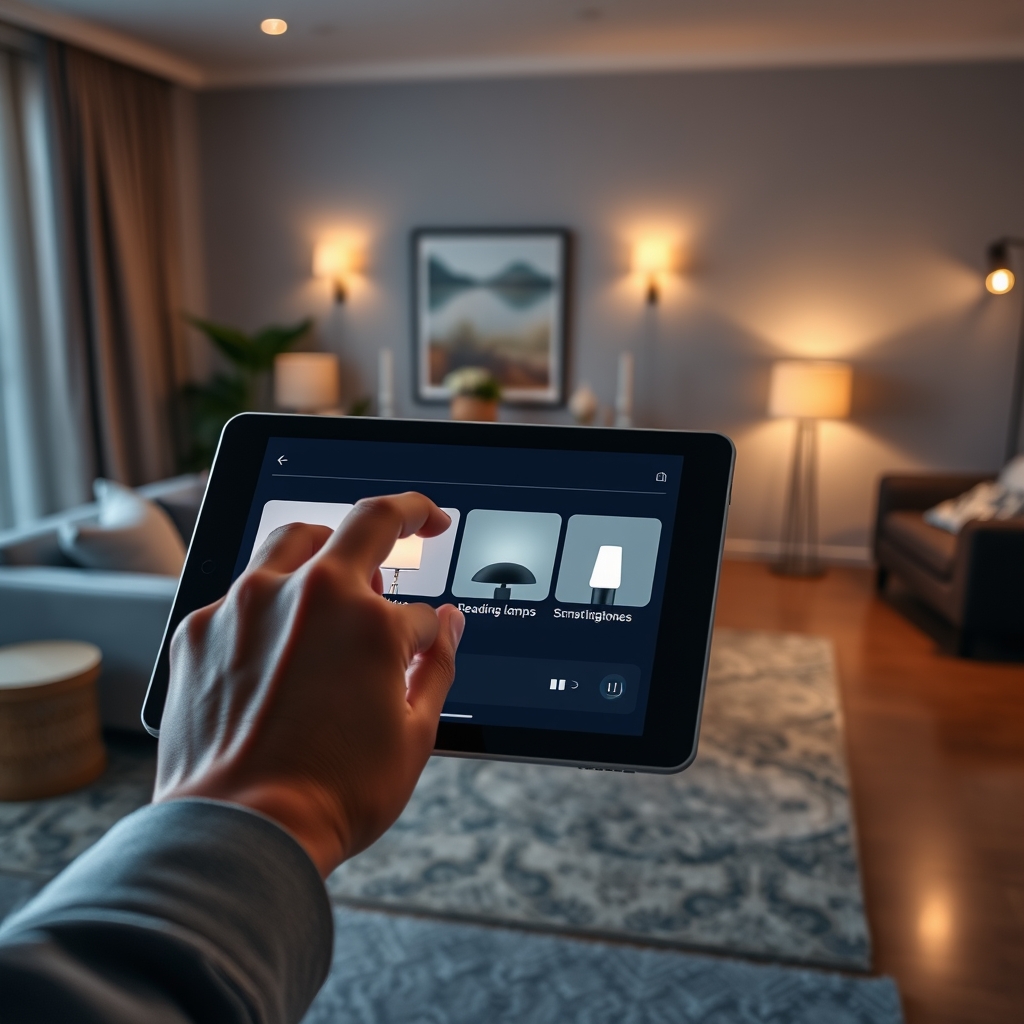
Have a large home or mixed devices? Use multi-platform hubs or routines in your main app to synchronize everything. Missed a device? Most platforms let you edit scenes without starting over—see troubleshooting smart light setups for common fix-its.
Advanced Analysis and Common Pitfalls
Despite the benefits, plenty of users hit friction with smart lighting scenes. Growth stats underscore strong demand, but setting up, troubleshooting, or realizing the full value of smart lighting still comes with some headaches.
| Aspect | Why It Matters | What Can Go Wrong | How to Avoid |
|---|---|---|---|
| Compatibility | Seamless integration between bulbs, switches, apps, and hubs | Some brands require bridges; others refuse to sync with 3rd-party devices | Check for “Works with” logos and always update firmware. For more on this, read smart home compatibility check. |
| Network Stability | Reliability for timed and triggered automations | Bulbs occasionally drop off Wi-Fi; scenes miss triggers | Prefer wired for large spaces; extend Wi-Fi/Zigbee network as needed |
| Security & Privacy | Scene data and remote access are internet-controlled | Potential for hacking or privacy leaks if devices are unpatched | Keep everything updated; avoid unofficial apps |
| Cost Creep | Smart components add up, especially for big projects | Price hikes (e.g., Philips increased US prices ~10% in 2025)[source] | Start small; prioritize key rooms first; watch for sales |
| Scene Fatigue | Too many automations complicate life | Overlapping routines conflict or trigger unexpectedly | Regularly review and prune unused scenes |
Another pitfall: misleading expectations. While 69.91 million US households use smart home devices as of 2024, not all are happy with setup complexity or ongoing support. Always read setup guides and user experiences—our smart lighting setup mistakes covers more real-world trouble spots.
Conclusion
Smart lighting scenes are unlocking easy, tailored automation for homes and workspaces—offering real convenience, energy savings, and mood control, but only if you avoid the most common pitfalls. Don’t let setup hassles or cost overruns dim your enthusiasm. Start smart, scale with care, and always stay updated on your preferred brand’s ecosystem. Now is the perfect time to experiment with smart lighting scenes—whether you want a better movie night or a safer arrival home. Ready to light up your life the smart way? Explore our in-depth guides and take your first step now.
FAQ
What is a smart lighting scene?
A smart lighting scene is a preset group of lights with specific brightness, color, and timing designed to fit an activity or mood—like relaxing, dining, or waking up.
Can I set up smart lighting scenes without professional help?
Yes, most platforms (Philips Hue, LIFX, etc.) are designed for DIY setup via apps. For large wired installations, though, professional help ensures correct wiring and safety.
Will smart lighting scenes work if my Wi-Fi goes out?
Some scenes with wired or Zigbee connections still work locally without the internet. Wi-Fi-only bulbs may lose automation control until the network returns.
How many scenes should I create?
Start with 3-5 essentials (e.g., Morning, Evening, Movie Night). Too many can cause confusion or schedule overlap—pruning unused scenes helps maintain simplicity.
Are there ongoing costs with smart lighting scenes?
Basic scene control is usually free, but advanced AI features or integrations in some ecosystems may be paid or require newer equipment. Prices of hardware can rise due to tariffs or new tech.
—